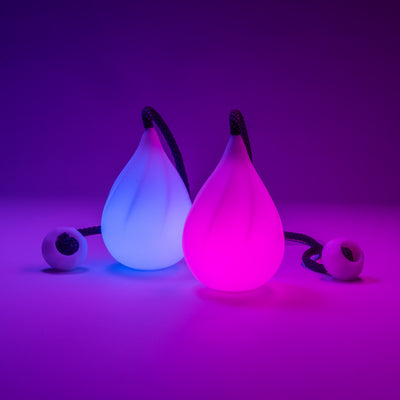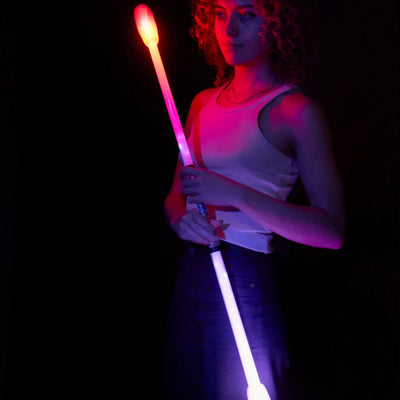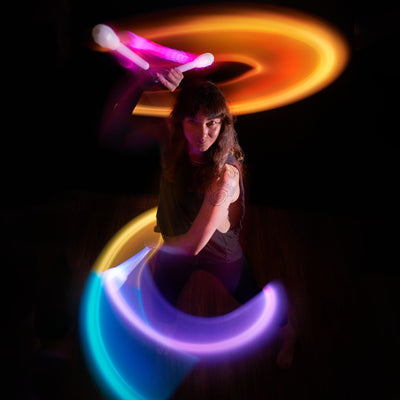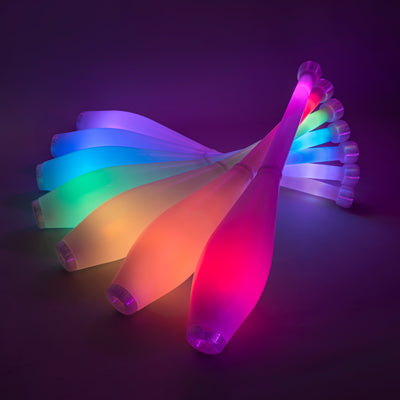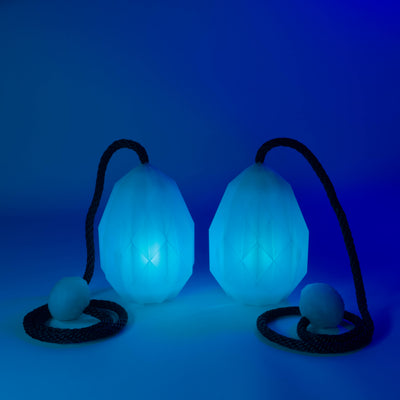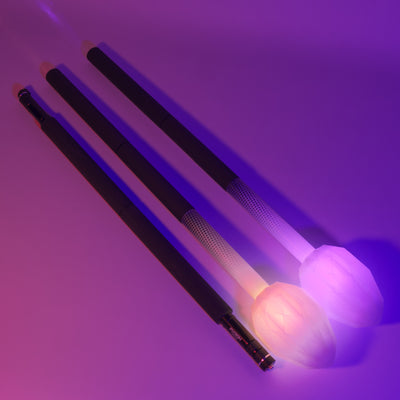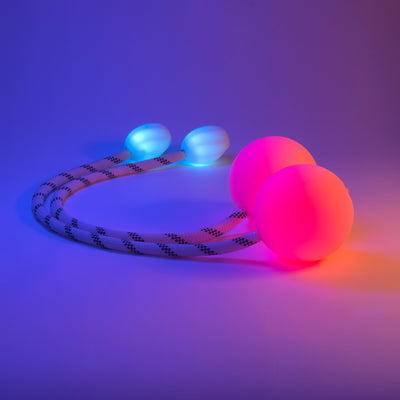

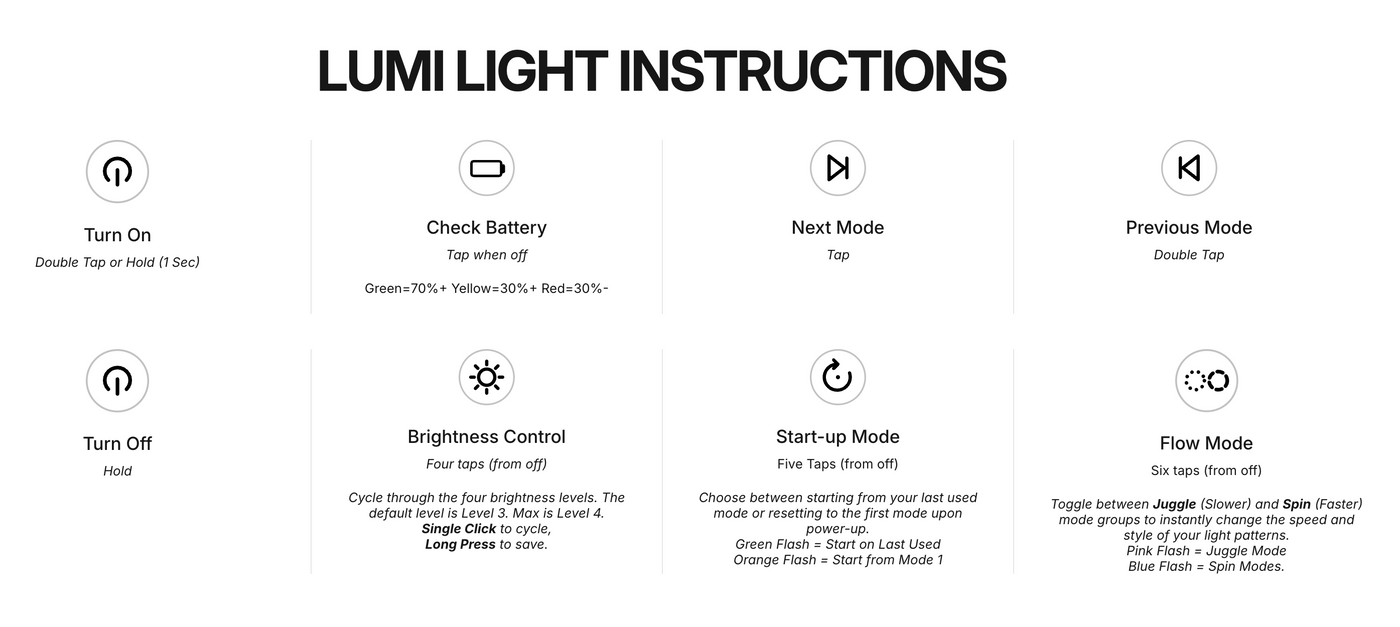
These controls work on all current Lumi rechargeable light units (Lumi poi, staffs, dragon heads, fans, TrickStix and more). Everything is done with the single button on the light unit.
- Turn on: double tap, or hold for 1 second.
- Next mode: tap.
- Previous mode: double tap.
- Turn off: hold.
- Check battery: tap once while the light is off. Green = 70%+, yellow = 30–70%, red = under 30%.
Settings (start with the light off). Newer and earlier lights work slightly differently, so both are listed:
- Brightness, 4 taps: single click to cycle, long press to save. Newer lights have three levels: Low, Med (the default) and High. Earlier lights have four levels: the default is level 3, and level 4 is the brightest.
- Start-up mode, 5 taps: choose whether the light starts on your last used mode (green flash) or always from mode 1 (orange flash). Newer lights: single click to toggle, long press to save. Earlier lights: the five taps switch it straight away.
- Flow mode, 6 taps: switch between the Juggle mode group (pink flash), with slower patterns for technical moves, and the Spin mode group (blue flash), with faster patterns that stay crisp at speed. Newer lights: single click to toggle, long press to save. Earlier lights: the six taps switch it straight away.
Charging: the light unit charges through its USB-C port in about 2 hours and runs for up to 16 hours, depending on the mode. Use a standard USB power adapter (5V, up to 2A), such as a regular phone charger. Don't use fast-charge or high-voltage adapters (9V, 12V or 20V), which can overheat the cable or damage the light.
See the full illustrated guide on our Lumi instructions page.